
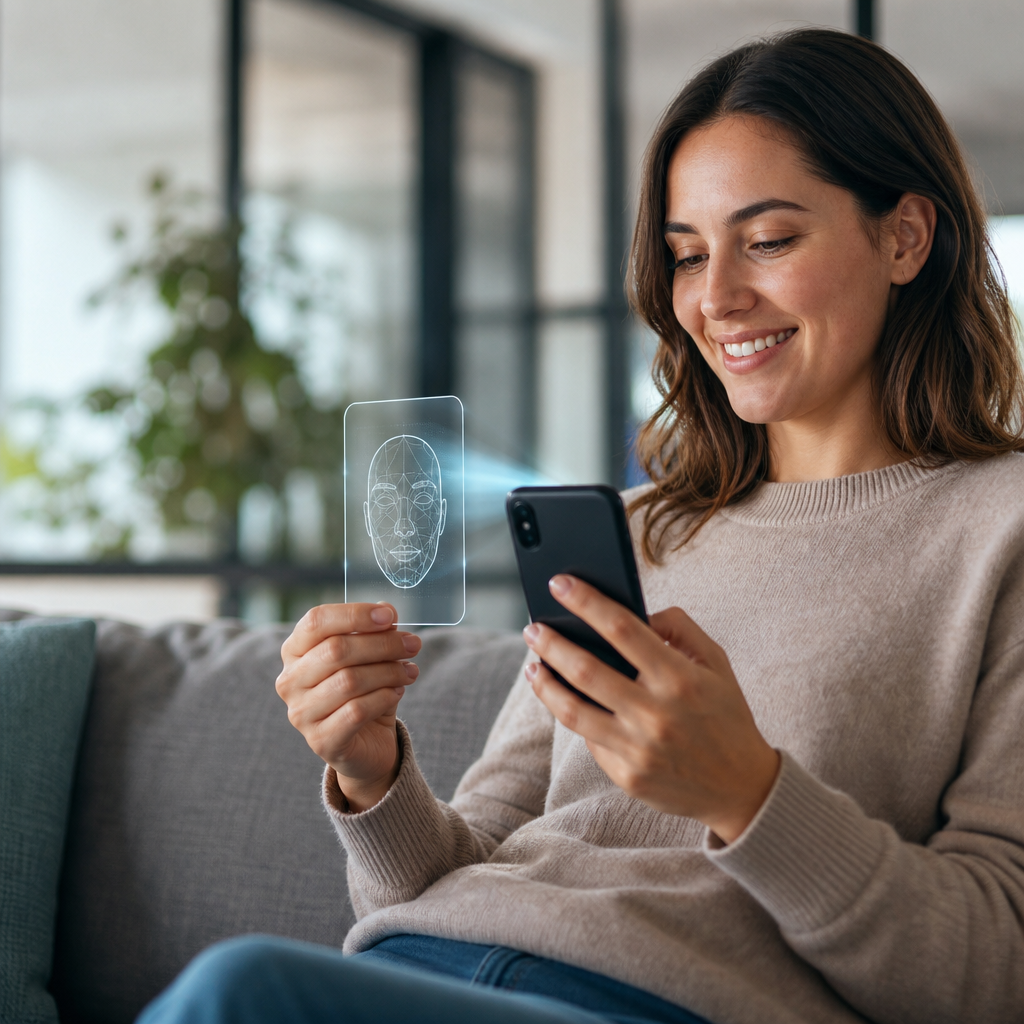
Customer authentication protects accounts, transactions, and sensitive information from unauthorized access. Yet every security step can affect customer confidence and conversion rates. A reliable authentication strategy confirms identity quickly while keeping legitimate users moving. Businesses that balance security and convenience earn trust at every digital touchpoint.
Why Customer Authentication Builds Lasting Trust
Customer trust depends on consistent, secure interactions across websites, applications, and support channels. Authentication proves that users are who they claim to be. It also shows customers that the business takes their data seriously.
Weak login processes create avoidable risks. Account takeovers can expose payment details, personal records, and business information. Poor experiences also cause frustrated customers to abandon purchases or seek competing services.
The NIST Digital Identity Guidelines provide useful standards for matching identity assurance with business risk. These guidelines help organizations choose appropriate controls without creating unnecessary barriers.
Reliable customer authentication supports trust by delivering several important benefits:
- It protects customer accounts from unauthorized access.
- It reduces fraud during login, checkout, and account recovery.
- It strengthens confidence in online services and support teams.
- It helps organizations meet security and privacy obligations.
- It protects brand reputation after attempted attacks.
Security should feel present without becoming disruptive. Customers should notice the convenience, not the complexity.
Balance Reliable Authentication With Customer Convenience
Every authentication decision involves a tradeoff between security and ease of use. A simple password may feel convenient, but it offers limited protection. Excessive verification may improve security, but it can increase abandonment rates.
The best approach uses risk-based authentication. This method applies stronger checks only when activity appears unusual. For example, a new device or unfamiliar location may trigger an additional verification step.
Businesses should review how multifactor authentication and cloud backups improve data security when building a layered defense. Authentication works best when it supports broader resilience planning.
Consider these customer-friendly security principles:
- Request extra verification only during higher-risk activities.
- Remember trusted devices for a reasonable period.
- Offer several secure verification options.
- Explain why a verification step is required.
- Keep login screens clear, fast, and accessible.
- Avoid requiring customers to answer repetitive questions.
Clear communication reduces friction. Customers are more likely to cooperate when they understand the protection behind each step.
Choose the Right Customer Authentication Methods
No single authentication method fits every business model. The right mix depends on customer expectations, transaction value, industry requirements, and threat exposure. Reliable authentication should combine independent signals whenever possible.
Passwords remain common, but they should not stand alone for valuable accounts. Password managers, longer passphrases, and breached-password checks improve basic protection. However, multifactor authentication offers a stronger defense against stolen credentials.
The Cybersecurity and Infrastructure Security Agency guidance on MFA explains why multiple factors reduce account takeover risks. A second factor makes a stolen password less useful to attackers.
Common customer authentication options include:
- Password plus authenticator app: This option provides strong protection and broad availability.
- Passkeys: These credentials reduce phishing risks and remove password memorization burdens.
- Email verification links: These work well for lower-risk account actions.
- SMS codes: These offer familiarity, but SIM swapping creates added risk.
- Biometric checks: These provide speed on supported devices and operating systems.
- Knowledge-based questions: These should supplement other methods, not act as primary controls.
Passkeys are becoming especially valuable for customer experiences. They use device-based cryptography and can resist phishing attempts. Customers can sign in with fingerprints, facial recognition, or device credentials.
Design a Frictionless Customer Login Journey
Authentication design should begin with the customer journey. Map every point where a user creates an account, signs in, changes details, or recovers access. Each moment carries different risks and expectations.
A customer purchasing a low-cost item needs a fast checkout experience. A customer changing bank details requires stronger verification. Matching authentication strength to the action creates a more reliable experience.
Usability also affects security outcomes. Confusing forms encourage password reuse, unsafe shortcuts, and support calls. Simple layouts help users complete secure tasks correctly.
Review how max-width design makes workplace technology easier to use for practical lessons about clear digital interfaces. Focused layouts can improve authentication completion rates.
Build a smoother authentication journey with these practices:
- Use clear labels for every field and action.
- Show password requirements before customers submit forms.
- Support password managers and browser autofill.
- Provide visible recovery options without revealing account details.
- Avoid unexpected redirects during sign-in.
- Test login flows on mobile devices and assistive technology.
- Give customers immediate confirmation after successful verification.
Error messages need careful attention. They should help legitimate users without assisting attackers. For example, say “Check your email or password” rather than confirming an account exists.
Prevent Phishing and Account Takeover Attempts
Phishing remains a leading cause of compromised customer credentials. Attackers create convincing emails, fake login pages, and fraudulent support messages. They often rely on urgency to push customers into unsafe actions.
Reliable authentication reduces damage from phishing, especially when businesses use phishing-resistant methods. Passkeys and app-based approval prompts can stop many common credential theft attempts.
Businesses should also understand how smarter phishing protection keeps operations running. Customer protection requires both technical controls and clear education.
Use these measures to reduce phishing-related customer risk:
- Send login alerts for unfamiliar devices or locations.
- Use verified domains for every customer communication.
- Teach customers never to share verification codes.
- Limit the number of failed login attempts.
- Detect impossible travel and suspicious device changes.
- Monitor credential-stuffing patterns and bot activity.
- Provide an easy method for reporting suspicious messages.
Support teams play an important role. They need verification procedures that prevent social engineering. A helpful representative should never bypass identity checks because a caller sounds convincing.
Strengthen Recovery Without Creating New Weaknesses
Account recovery is often the weakest part of customer authentication. Attackers may fail at login, then target password resets instead. A reliable recovery process must protect customers who lose devices or forget credentials.
Recovery should require evidence that matches the account’s risk level. Low-risk accounts may use verified email links. High-value accounts may require additional factors, delayed changes, or human review.
The FTC guide to protecting online accounts offers practical advice that businesses can share with customers. Clear education helps users recognize secure recovery steps.
A stronger recovery process should include:
- Verified recovery channels established before emergencies.
- Notifications when recovery details change.
- Temporary holds for sensitive account updates.
- Additional checks for high-value transactions.
- Clear escalation paths for locked-out customers.
- Audit logs for every recovery action.
Recovery is not simply a support feature. It is a major security control that deserves regular testing.
Measure and Improve Authentication Performance
Authentication is never a one-time project. Threats, customer behaviors, and technology standards continue to change. Organizations should measure performance and improve the experience over time.
Track both security outcomes and customer outcomes. A system that blocks fraud but frustrates most users needs adjustment. A system with high completion rates but frequent takeovers needs stronger protections.
Reliable IT partners can support ongoing monitoring, policy updates, and incident response. Learn more about reliable tech support for growing businesses in New Philadelphia when planning long-term security improvements.
Useful authentication metrics include:
- Successful login completion rates.
- Multifactor enrollment rates.
- Account recovery completion times.
- Customer support requests related to sign-in.
- Blocked account takeover attempts.
- Fraud losses linked to compromised accounts.
- Abandoned transactions after verification prompts.
Review these metrics by device type, customer segment, and authentication method. This analysis reveals where friction exists and where security needs reinforcement.
Final Thoughts
Reliable customer authentication builds trust when protection and convenience work together. Use risk-based controls, phishing-resistant methods, and clear recovery processes to protect every customer interaction. A thoughtful authentication strategy can reduce fraud while creating a faster, more confident customer experience.