
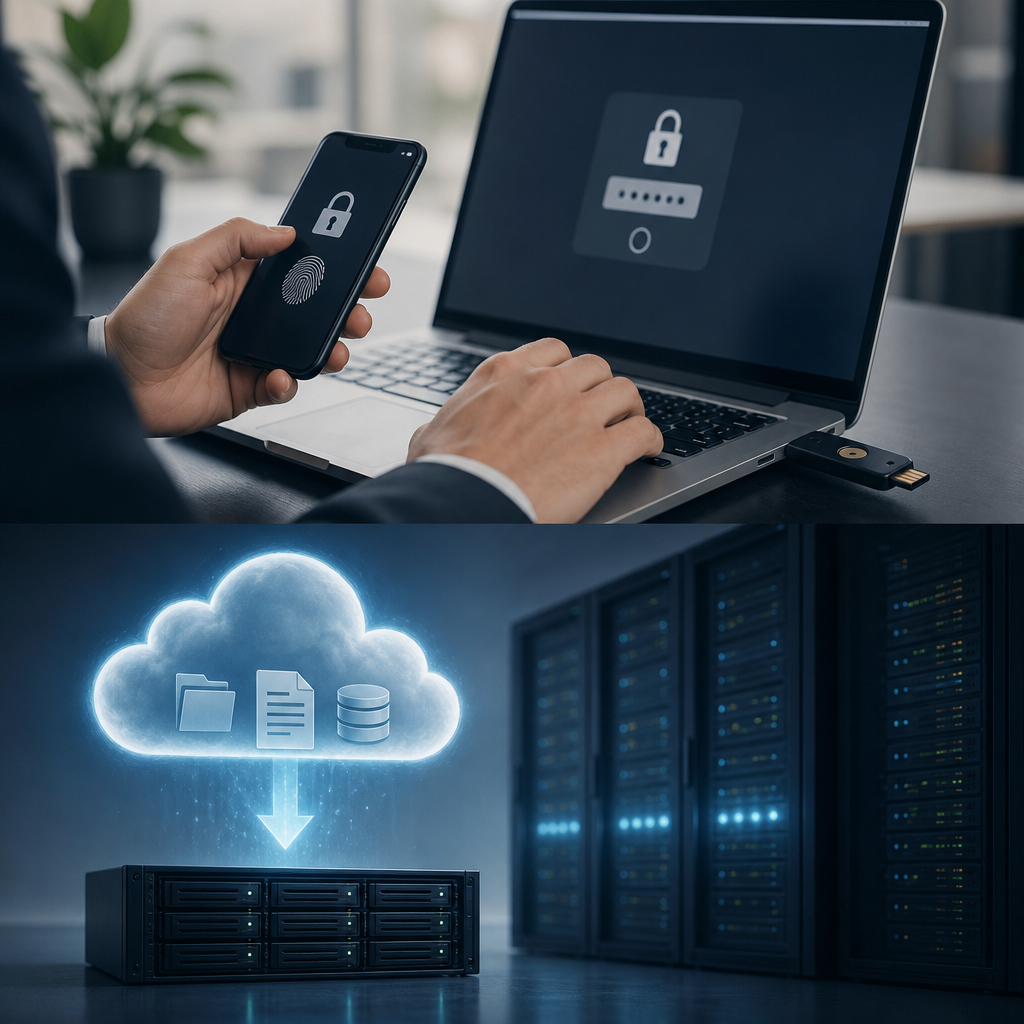
Businesses store customer records, financial documents, intellectual property, and operational data across many systems.
This information attracts cybercriminals, accidental misuse, and ransomware attacks.
Strong security requires more than passwords or local file copies. Multifactor authentication and dependable cloud backups create essential layers of protection.
Together, they reduce unauthorized access and support fast recovery after disruption.
The Cybersecurity and Infrastructure Security Agency recommends layered defenses to limit ransomware damage and downtime.
Modern Threats Put Business Data at Risk
Cybercriminals increasingly target small and midsize businesses. They know smaller organizations may lack dedicated security teams. A stolen password can provide access to email, cloud applications, accounting software, and sensitive client files.
Phishing emails remain a leading entry point for attackers. An employee may unknowingly enter credentials on a fake login page. Attackers can then reuse those credentials across connected platforms.
Common data security risks include:
- Phishing messages that steal usernames and passwords.
- Ransomware that encrypts critical business files.
- Lost laptops and mobile devices with saved credentials.
- Weak passwords reused across multiple business systems.
- Accidental file deletion by employees or contractors.
- Hardware failure affecting local servers and storage devices.
A password alone cannot adequately protect modern business systems. Businesses need controls that assume credentials may eventually be exposed. Learn how ransomware protection improves multi factor authentication results through a stronger, coordinated defense strategy.
How Multifactor Authentication Stops Unauthorized Access
Multifactor authentication requires users to prove their identity through multiple verification methods. These methods may include something users know, possess, or inherently are. Passwords are only one component of this security model.
A typical login might require a password plus a mobile approval request. Other systems use security keys, one-time codes, or biometric verification. This extra requirement prevents many account takeover attempts.
The National Institute of Standards and Technology identifies multi factor authentication as a critical protection for business accounts. Even compromised passwords become far less useful without the additional approval factor.
Effective factor authentication methods include:
- Mobile authenticator applications that generate temporary codes.
- Push notifications requiring a user approval.
- Hardware security keys for highly sensitive accounts.
- Biometric checks, such as fingerprints or facial recognition.
- Backup recovery codes stored in a secure location.
Businesses should require MFA for email, remote access, financial systems, and cloud applications. Administrative accounts deserve the strongest available controls. For additional guidance, explore how multi-factor authentication and endpoint protection improve business performance.
Why Cloud Backup for Businesses Is Essential
Multifactor authentication helps prevent unauthorized access. However, it cannot prevent every incident. Employees can delete files accidentally. Hardware can fail. Ransomware can encrypt data before detection.
A reliable cloud backup for businesses protects copies of important data outside the primary environment. These copies support recovery after cyberattacks, natural disasters, or internal mistakes. Cloud storage also reduces dependence on a single physical office location.
Quality cloud backup services should include encryption during transfer and storage. They should also maintain version histories. Versioning allows businesses to restore files from before a ransomware attack or deletion event.
Strong data backup practices include:
- Backing up files automatically on a defined schedule.
- Keeping multiple recovery points for important information.
- Encrypting data both in transit and at rest.
- Restricting backup administration access through MFA.
- Storing copies in separate geographic locations.
- Monitoring backup jobs for errors or failed transfers.
The CISA StopRansomware guide emphasizes maintaining offline or cloud-based backups. Regular testing ensures backups remain usable during an emergency. Review these smart data backup solutions for modern businesses when evaluating your current recovery plan.
MFA and Data Backup Create a Stronger Security Framework
MFA and cloud backup services solve different security problems. MFA reduces the chance of an attacker entering an account. Data backup reduces the impact if an attack, deletion, or system failure succeeds.
This combined approach supports business continuity. Employees can keep working while IT teams restore affected systems. Leaders can also avoid difficult decisions about paying ransom demands.
A coordinated framework should protect both access and recovery:
- Require multi factor authentication for all cloud storage accounts.
- Use separate credentials for backup management systems.
- Limit administrator privileges to approved personnel.
- Create immutable backup copies that attackers cannot change.
- Monitor unusual login activity and failed authentication attempts.
- Test restoration procedures at least several times yearly.
Immutable backups are especially valuable against ransomware. They prevent attackers from modifying or deleting protected recovery copies. Businesses should also separate backup credentials from everyday user accounts.
A layered plan works best when security tools support each other. See how to strengthen business security with MFA, endpoint protection, training, and backups for a practical view of integrated protection.
Build a Practical Implementation Plan
Security improvements do not require a disruptive, all-at-once project. Businesses can begin with high-risk accounts and critical data. A phased approach makes adoption easier for employees and IT teams.
Start by identifying systems that contain confidential or operationally essential information. These may include email platforms, customer databases, financial tools, file servers, and collaboration applications. Then establish security priorities based on business impact.
Follow these implementation steps:
- Inventory every business application, device, and data location.
- Enable factor authentication for email and administrator accounts first.
- Select a cloud backup provider with clear recovery capabilities.
- Define recovery time and recovery point objectives.
- Configure automatic data backup schedules for critical systems.
- Document restoration procedures and responsible personnel.
- Review access permissions every quarter.
- Test disaster recovery processes using realistic scenarios.
Recovery time objectives define acceptable restoration timeframes. Recovery point objectives define acceptable data loss periods. These measures help organizations choose appropriate backup frequency and storage solutions.
The Federal Trade Commission business guidance offers useful planning resources for small organizations. A managed IT provider can also help configure policies, monitor backups, and validate recovery testing.
Employee Training Supports Better Security Outcomes
Technology cannot eliminate every security risk. Employees make daily decisions that affect account security and data protection. They need clear training on suspicious messages, login prompts, and safe file handling.
Employees should understand that MFA requests require careful attention. An unexpected approval request may indicate an attacker is using a stolen password. Users should deny unfamiliar requests and report them immediately.
Training topics should cover:
- Recognizing phishing links and fraudulent login pages.
- Creating long, unique passwords for every account.
- Protecting mobile devices used for verification prompts.
- Reporting suspicious MFA requests without delay.
- Saving files in approved, backed-up locations.
- Understanding recovery procedures after an incident.
Regular training helps employees recognize threats before damage occurs. Short, recurring sessions often work better than annual presentations. Businesses can strengthen response readiness through cybersecurity awareness training for modern systems.
Test Backups and Security Controls Regularly
A backup is only valuable if restoration works when needed. Businesses should test data backup processes before an emergency occurs. Testing confirms that files are complete, accessible, and recoverable within required timeframes.
Security teams should also review MFA configurations regularly. Former employees must lose access quickly. Weak authentication methods should be replaced as stronger options become available.
Regular testing should include:
- Restoring individual files from cloud backup storage.
- Recovering entire systems in a controlled environment.
- Confirming backup encryption and access restrictions.
- Reviewing user roles and administrative permissions.
- Testing incident response communication procedures.
- Verifying that MFA applies to every protected account.
Document each test and record any problems found. Then assign deadlines for corrective actions. This process turns data security into an ongoing business capability rather than a one-time project.
The NIST contingency planning guidance can help organizations develop resilient recovery procedures. Consistent testing protects investments in both authentication and backup technology.
Final Thoughts
Multifactor authentication blocks many credential-based attacks, while cloud backup for businesses enables reliable recovery. Together, these controls protect availability, confidentiality, and operational continuity. Prioritize multi factor authentication, tested data backup, and employee awareness to keep your business prepared for evolving threats.
Leave a Reply
You must be logged in to post a comment.