
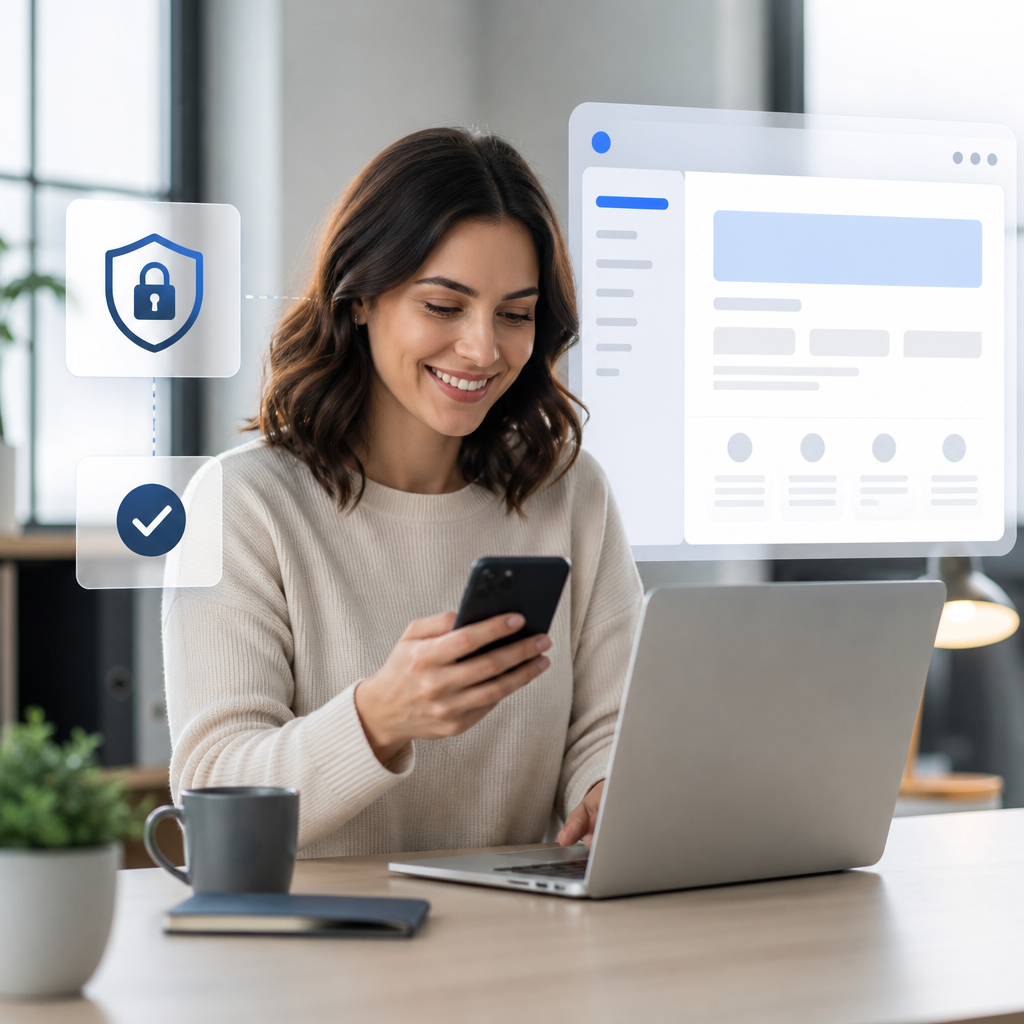
Employees perform better when workplace technology feels secure, readable, and simple. Two-factor authentication, thoughtful font size choices, and an effective page shell reduce friction across daily tasks. These improvements protect business information while helping people work with confidence. Strong security also supports the benefits of multifactor authentication and cloud backups across the organization.
Why Employees Need Secure and Simple Digital Tools
Employees use email, cloud applications, customer records, and collaboration platforms throughout each workday. Each login and screen should support productivity rather than create unnecessary delays.
Security and usability are closely connected. A confusing system can lead to risky workarounds. Employees may reuse passwords, skip alerts, or share access when technology creates excessive barriers.
Well-designed digital tools help teams stay focused on meaningful work. They also reduce support requests and lower the chance of accidental security mistakes. The Cybersecurity and Infrastructure Security Agency provides helpful guidance for building safer workplace habits.
Businesses gain several important advantages when systems are both secure and easy to use.
- Employees complete routine tasks faster.
- Managers receive fewer avoidable IT support requests.
- Sensitive data receives stronger protection.
- New employees learn systems more quickly.
- Teams feel less stress during busy periods.
How Two-Factor Authentication Protects Employees
Two-factor authentication requires users to verify their identity through two separate methods. A password is one factor. A mobile prompt, authentication app, or security key provides the second factor.
This extra verification step makes stolen passwords less useful to criminals. Even if attackers obtain login credentials, they still need the second approval method. That barrier protects employees, customers, and company systems.
Modern factor authentication should balance safety with convenience. Push notifications and authenticator applications often provide fast verification. Security keys offer another strong option for high-risk accounts.
The National Institute of Standards and Technology recommends multi-factor protection for business accounts. Organizations should apply it first to email, financial systems, remote access, and administrator accounts.
Effective implementation includes these practices.
- Require factor authentication for critical business applications.
- Use authenticator apps instead of text messages when possible.
- Provide clear setup instructions for employees.
- Create secure backup methods for lost devices.
- Train employees to reject unexpected approval requests.
Phishing attacks often attempt to defeat login protections through deception. Employees should understand that legitimate teams never request authentication codes through unsolicited messages. Smarter phishing protection strategies can reinforce these habits and maintain operational continuity.
Readable Font Size Reduces Errors and Frustration
Font size affects far more than visual appearance. It influences comprehension, accuracy, accessibility, and employee comfort. Small text can make dashboards, forms, and knowledge bases difficult to use.
Employees should not need to zoom repeatedly to read critical instructions. They also should not struggle to distinguish similar characters in passwords, customer records, or financial reports. Clear typography supports better decisions under pressure.
A practical font size improves readability across desktop monitors, laptops, tablets, and mobile devices. Many workplace pages benefit from body text around 16 pixels or larger. However, testing with real users remains more valuable than following a single measurement.
The Web Content Accessibility Guidelines offer useful standards for readable content and accessible interfaces. These guidelines help businesses support employees with different visual needs.
Teams should review these typography elements.
- Use a comfortable font size for body text.
- Maintain strong contrast between text and backgrounds.
- Choose simple fonts with clear letter shapes.
- Limit decorative styles in business applications.
- Add spacing between lines, paragraphs, and form fields.
Readable content also strengthens cybersecurity. Employees can spot suspicious domains, odd attachment names, and altered payment details more easily. Clear fonts reduce the chance that a small visual mistake becomes a costly incident.
A Better Page Shell Creates a More Predictable Experience
A page shell is the shared visual structure surrounding a website or application page. It often includes navigation, headers, sidebars, search tools, and footer elements. A consistent page shell helps employees know where they are and what to do next.
Without a stable page shell, every screen can feel unfamiliar. Employees may waste time searching for settings, instructions, support resources, or essential reports. Inconsistent layouts also increase onboarding time for new team members.
A well-built page shell creates predictable navigation across the entire platform. It keeps high-priority actions visible while reducing visual clutter. Employees can then focus on the information that matters most.
Businesses can learn more from max-width design principles for workplace technology. Controlled content width can improve scanning and prevent overwhelming line lengths.
A practical page shell should include the following features.
- Clear navigation labels that match employee language.
- Consistent placement for search and help tools.
- Visible account and security settings.
- Responsive layouts for different screen sizes.
- Logical headings that support quick scanning.
Good page shells also improve IT support. Help links, ticket portals, and troubleshooting guides become easier to locate. This reduces downtime when employees encounter a technical issue.
Combining Security, Typography, and Page Shell Design
Two-factor authentication, readable fonts, and page shell design work best as a connected strategy. Each improvement addresses a different obstacle to employee success. Together, they create a safer and more usable digital workplace.
For example, a secure login screen should also be easy to read. Authentication instructions should use plain language, large text, and clear error messages. The page shell should guide users toward password recovery or support options.
Likewise, internal portals should protect confidential documents while remaining easy to navigate. Employees need quick access to approved information without exposing sensitive data. Strong design prevents confusion before it turns into an error.
Consider this employee-centered improvement process.
- Identify high-friction systems through employee feedback.
- Review login workflows for security and clarity.
- Test font size across common employee devices.
- Standardize page shell elements across business platforms.
- Measure support requests before and after improvements.
- Update training materials when interfaces change.
Regular testing matters because employee needs evolve. Hybrid work, new software, and changing security threats can expose weaknesses in older systems. The CISA usability guidance highlights why usable security supports better adoption.
How Leaders Can Roll Out These Improvements
Technology changes succeed when employees understand their purpose. Leaders should explain how factor authentication protects individual accounts and business data. They should also provide training before enforcing new access requirements.
Avoid introducing too many changes at once. Begin with the applications that handle the most sensitive information. Then expand improvements using employee feedback and support data.
Communication should remain practical and respectful. Employees need simple instructions, quick answers, and accessible assistance. Clear rollout plans build trust and reduce resistance.
Leaders can improve adoption through several actions.
- Announce changes before implementation begins.
- Provide short guides with screenshots and examples.
- Offer live support during the first rollout period.
- Identify security champions within each department.
- Collect feedback from employees after launch.
- Review access policies at regular intervals.
Professional support can help businesses manage these updates without disrupting operations. Reliable tech support for growing businesses can assist with security planning, usability improvements, and ongoing system management.
Final Thoughts
Employees deserve technology that protects their work without slowing them down. Two-factor authentication, readable font size choices, and a consistent page shell create safer and more productive daily experiences. Businesses that prioritize these details can reduce risk, strengthen confidence, and help every employee succeed.