
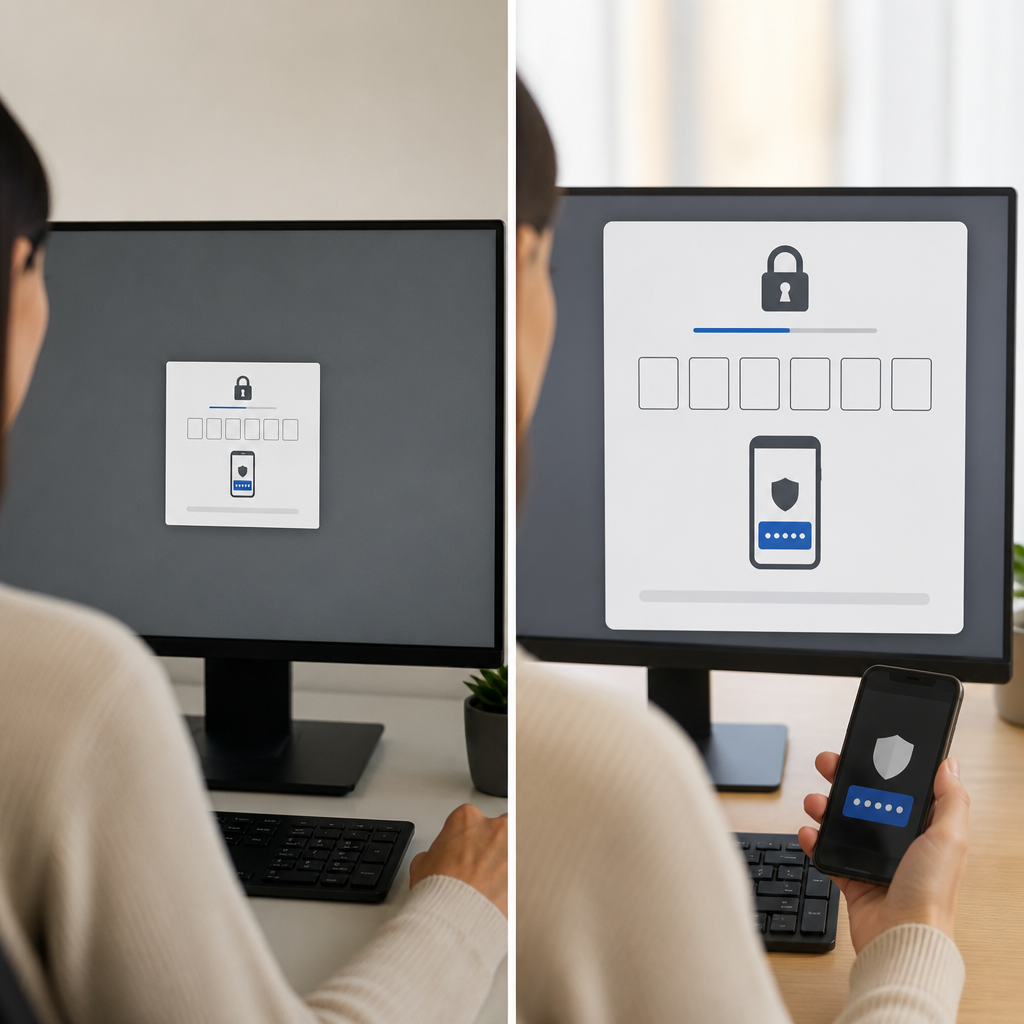
Multi factor authentication protects accounts beyond passwords, but users still need clear guidance. Font size affects whether employees can read prompts, enter codes, and approve requests confidently. A thoughtful interface reduces mistakes without weakening security. The NIST digital identity guidance supports usable authentication experiences that people can complete correctly.
Why Readability Matters for Multi Factor Authentication
Multi factor authentication introduces additional steps during sign-in. Users may enter a one-time code, approve a mobile prompt, or use a security key. Each step must feel fast, obvious, and trustworthy.
Small text can make users skip instructions or approve the wrong request. Poor spacing can hide recovery choices or security warnings. These problems create frustration, help desk requests, and risky workarounds.
Clear design helps employees recognize legitimate authentication screens. It also makes phishing attempts easier to spot. Businesses should pair usable sign-in screens with smarter phishing protection strategies for stronger daily security.
A readable authentication experience should provide:
- Clear instructions before users enter credentials.
- Large enough text for codes, buttons, and device names.
- Visible warnings for unusual sign-in attempts.
- Simple choices for approving or denying requests.
- Helpful recovery links when users lose access.
Font Size Standards That Improve Security Decisions
Font size influences how quickly users process important information. Authentication screens often contain time-sensitive codes and approval requests. Users should never need to zoom in before taking action.
A base font size of 16 pixels works well for many desktop experiences. Larger text may help users on mobile devices or high-resolution displays. Critical details deserve additional visual emphasis without overwhelming the page.
For example, a one-time passcode should stand out from supporting text. Device names and locations should remain easy to scan. Deny buttons must be just as visible as approval buttons.
Good typography supports security awareness across every business system. This guide on color and font choices for small business technology explains why visual choices affect user confidence.
Consider these font size guidelines for authentication pages:
- Use at least 16 pixels for standard instructional text.
- Use 18 to 20 pixels for primary prompts.
- Make verification codes visually prominent.
- Use bold text for warnings and critical actions.
- Avoid thin typefaces that disappear on low-quality displays.
- Keep line spacing comfortable for quick scanning.
- Test text readability on laptops, tablets, and phones.
Accessibility guidance from the Web Content Accessibility Guidelines can help teams create more readable digital experiences.
Build a Page Shell That Guides Users Forward
A page shell is the consistent structure surrounding an authentication form. It includes headers, navigation areas, content width, margins, and action placement. A well-designed page shell gives users a predictable path through the sign-in process.
Authentication pages should remove unnecessary distractions. Promotional banners, crowded menus, and unrelated links can confuse users. The page shell should focus attention on the current security task.
Place the main prompt near the center of the screen. Keep instructions close to the field or button they explain. Use enough white space to separate approval actions from account details.
A balanced content width also improves readability. Long lines make instructions harder to follow. Narrow content areas can force awkward wrapping. Learn more about max-width design for easier workplace technology when planning authentication screens.
An effective page shell should include:
- A recognizable company logo in a consistent location.
- A clear page title describing the current step.
- Limited navigation during sensitive sign-in tasks.
- A centered content area with readable line lengths.
- Visible support and recovery options.
- Clear separation between account details and action buttons.
Design Each Multi Factor Step for Fast Completion
Multi factor authentication works best when every screen answers one question. Users should immediately understand what the system needs from them. They should also know what happens after they respond.
The first screen may request a password. The second screen may ask for a code or device approval. The final screen may confirm successful access. Each stage needs a distinct heading and concise instructions.
Avoid vague labels like “Continue” when a more specific label works better. “Verify code” or “Approve sign-in” tells users exactly what action occurs. Specific labels reduce hesitation and accidental selections.
Time limits also need careful presentation. If a verification code expires in 30 seconds, show that information clearly. Use plain language instead of technical error messages. The NIST usability guidance offers useful principles for secure, understandable interfaces.
Improve each authentication stage with these design choices:
- Show one primary action per screen.
- Keep instructions above the related input field.
- Display code expiry times near the code entry area.
- Use clear error messages with recovery steps.
- Show trusted device details before approval.
- Provide a visible option to report unexpected prompts.
- Confirm successful authentication with a simple message.
Use Font Size to Reduce MFA Fatigue
MFA fatigue happens when users receive repeated prompts or unclear approval requests. Attackers may exploit this fatigue through repeated sign-in attempts. Readable screens help users pause and evaluate each request.
A larger font size makes device names, locations, and timestamps easier to review. These details help employees identify suspicious activity. Users can deny unexpected requests before attackers gain access.
Security messages should explain why the user received a prompt. For example, state whether the request came from a new browser or unfamiliar location. Avoid fear-based language that makes users rush.
MFA is stronger when paired with dependable recovery planning. This resource on multifactor authentication and cloud backups explains how layered protections reduce operational risk.
To reduce authentication fatigue, organizations should:
- Show the requesting application name clearly.
- Display approximate location and device information.
- Use larger text for unexpected sign-in warnings.
- Let users deny suspicious requests quickly.
- Limit unnecessary reauthentication requests.
- Train employees to reject unknown prompts.
- Offer responsive support for access problems.
Test Page Layouts With Real Employees
Design assumptions can miss real-world accessibility problems. Employees use different screen sizes, browsers, lighting conditions, and assistive tools. Testing reveals where font size or page layout causes friction.
Ask employees to complete common authentication tasks. Watch for pauses, repeated clicks, incorrect entries, and confusion. These signs often reveal unclear language or weak visual hierarchy.
Test both desktop and mobile authentication experiences. Mobile screens need larger touch targets and shorter instructions. Desktop layouts need balanced spacing and readable content widths.
Teams should also test failure scenarios. Employees need clear guidance when codes expire, phones are unavailable, or security keys fail. The CISA guidance on multi-factor authentication provides helpful recommendations for stronger deployment planning.
Use a practical testing checklist:
- Review font size at common browser zoom levels.
- Test approval prompts on mobile devices.
- Check contrast in bright and dim environments.
- Confirm keyboard navigation works correctly.
- Ask users to identify suspicious sign-in requests.
- Test recovery paths for lost devices.
- Track help desk tickets after interface updates.
Key Takeaways
Font size and page layout make multi factor authentication easier to understand and safer to use. Clear text, focused page shells, and specific action labels help employees complete verification without confusion. Strong usability supports stronger security because employees can recognize and reject suspicious requests.
A well-designed multi factor authentication process should protect people without slowing their work. Combine readable authentication screens with layered defenses, including the strategies in MFA and backup protection against ransomware, to build a more resilient business.