
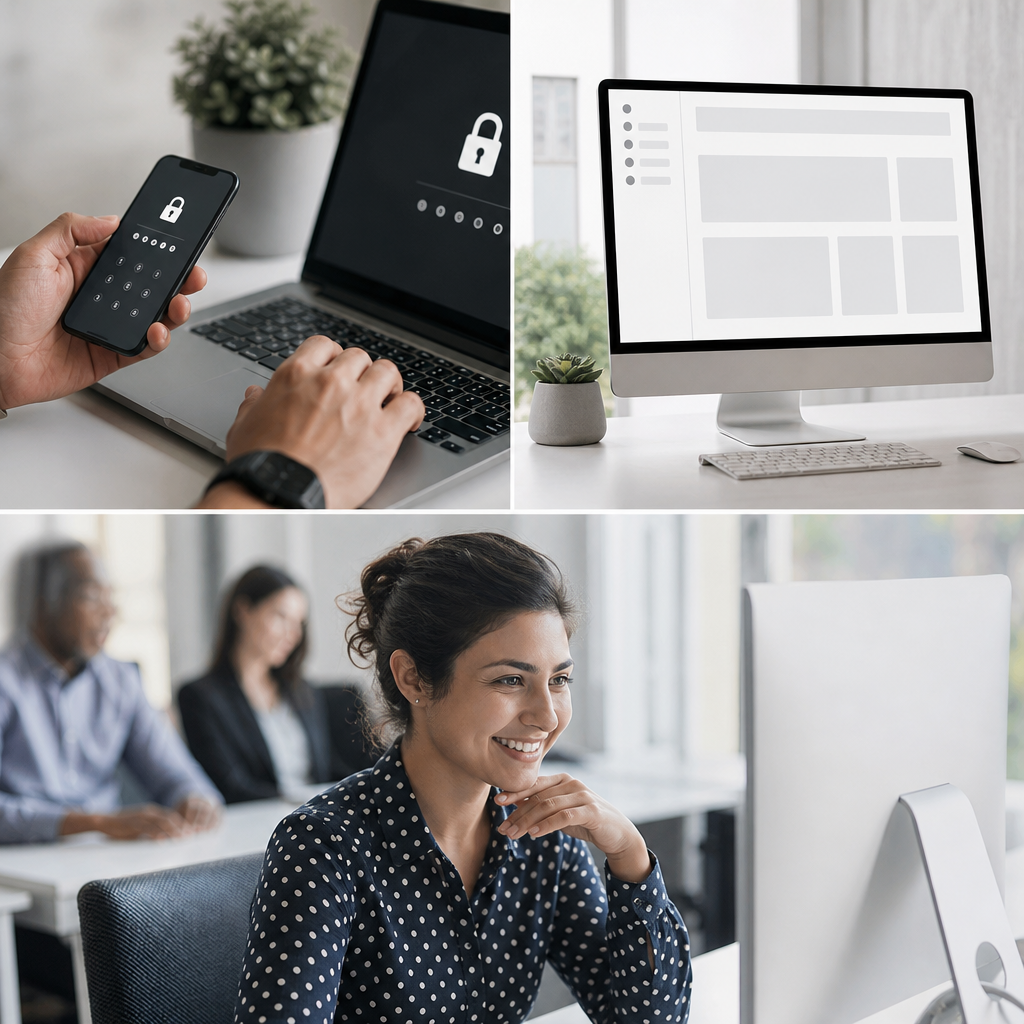
Employees perform better when workplace technology feels secure, clear, and easy to read. Two-factor authentication, a cleaner page shell, and an appropriate font size reduce friction during daily tasks. These improvements support productivity, confidence, and safer decision-making. Strong managed IT support for growing businesses helps organizations maintain these essential user experience standards.
Why Employees Need Secure and Simple Technology
Employees often manage customer details, financial records, internal documents, and communication tools. Confusing screens or weak security can create costly delays. Technology should protect business resources without making ordinary work unnecessarily difficult.
A positive digital experience begins with three connected elements:
- Secure account access through factor authentication
- Clear navigation within every page shell
- Readable content through a practical font size
- Consistent design across business applications
- Reliable support when employees encounter issues
These features reduce cognitive overload. Employees can focus on customers, projects, and collaboration instead of navigating confusing interfaces. The National Institute of Standards and Technology guidance explains why stronger authentication protects sensitive systems.
Two-Factor Authentication Protects Employees and Business Data
Two-factor authentication requires users to verify their identity using two separate methods. A password is usually the first method. A mobile prompt, hardware key, or code provides the second method.
This process makes stolen passwords less useful to attackers. Employees gain stronger protection without needing to memorize complicated passwords constantly. Modern factor authentication can also reduce the risks created by phishing emails.
A well-configured authentication system benefits employees in several ways:
- It protects accounts after password reuse incidents
- It limits unauthorized access to cloud platforms
- It reduces the damage from credential theft
- It builds employee confidence in company systems
- It supports remote and hybrid work security
Businesses should provide clear setup instructions and recovery processes. Employees need help when they replace phones or lose access to authentication tools. Training should explain why verification requests must never be approved unexpectedly.
Organizations can learn more from this guide about multifactor authentication and cloud backups. Security becomes stronger when authentication works alongside reliable data protection.
A Cleaner Page Shell Reduces Daily Friction
A page shell is the consistent structural framework surrounding digital content. It often includes menus, headers, sidebars, search tools, and navigation controls. When this framework changes constantly, employees waste time locating important features.
A cleaner page shell creates predictable experiences across company platforms. Employees can move between dashboards, service portals, and internal knowledge bases more easily. Familiar navigation also lowers training requirements for new team members.
An effective page shell should include:
- A clear primary navigation menu
- Consistent locations for account controls
- Visible search options for large content libraries
- Limited distractions around important tasks
- Logical labels that match employee language
- Responsive layouts for mobile and desktop users
Avoid cluttered sidebars, excessive popups, and competing calls to action. Each added element can slow task completion. Employees should see the information needed for their next action.
Clear structures also improve accessibility and support employee independence. Review the benefits of max-width design for workplace technology when planning more usable interfaces.
Better Font Size Supports Accuracy and Comfort
Font size influences how easily employees read instructions, reports, forms, and customer information. Text that appears too small increases eyestrain and slows comprehension. Oversized text can also force unnecessary scrolling and hide related details.
A suitable font size helps employees process information faster. It supports accurate data entry, better proofreading, and more confident decisions. Readability matters especially during long shifts or high-pressure tasks.
Consider these font size practices:
- Use readable body text across desktop and mobile screens
- Create clear visual differences between headings and paragraphs
- Maintain adequate spacing between lines and sections
- Avoid compressed fonts for important instructions
- Test content at browser zoom levels
- Allow employees to adjust text when possible
The Web Content Accessibility Guidelines offer useful readability and accessibility principles. These standards help organizations create interfaces that work for more people.
Font choices also shape employee perception of internal tools. Clean, readable typography signals that the organization respects staff time. For more design insights, explore how color and font choices improve websites and IT support.
How These Improvements Work Together for Employees
Security, navigation, and typography should not be treated as separate projects. Employees experience them together whenever they access a business system. A polished login process followed by a confusing dashboard still creates frustration.
The strongest technology environments balance protection with usability. Employees should be able to authenticate quickly, locate tasks immediately, and read information comfortably. This balance improves adoption of security policies and internal applications.
For example, consider an employee accessing a cloud-based customer system:
- They complete two-factor authentication through a secure mobile prompt.
- They arrive at a familiar page shell with clear navigation.
- They find customer records using visible search controls.
- They read account notes using a comfortable font size.
- They complete the task accurately without requesting support.
This smoother workflow reduces interruptions across the organization. It also lowers the chances of rushed decisions and avoidable mistakes. Better design can support stronger cybersecurity because employees are less likely to seek unsafe shortcuts.
Phishing awareness remains important during every login process. Learn how reliable technology helps employees prevent phishing attacks through better tools and practical safeguards.
Practical Steps for Improving Workplace Systems
Organizations do not need to redesign every system at once. Start with the platforms employees use most frequently. Login portals, communication tools, customer systems, and document libraries are useful priorities.
Gather feedback before making major changes. Employees can identify navigation issues and readability barriers that managers may not see. Combine their feedback with security reviews and usage data.
Use this implementation process:
- Identify applications containing sensitive business information
- Enable factor authentication for high-risk accounts first
- Create a consistent page shell across related tools
- Review font size choices on common screens
- Test workflows with employees from different roles
- Document support procedures for authentication problems
- Reassess improvements after deployment
Training should remain concise and role-specific. Employees need practical examples rather than technical jargon. Short walkthroughs can help teams understand new security prompts and redesigned layouts.
Regular reviews also prevent usability problems from returning. Software updates can alter navigation, visual hierarchy, and accessibility settings. The Cybersecurity and Infrastructure Security Agency provides additional security resources for organizations building safer work environments.
Measuring the Impact on Employee Performance
Measuring results helps leaders justify continued technology improvements. Look beyond security reports alone. Employee productivity, satisfaction, and support requests reveal whether changes work in practice.
Useful performance indicators include:
- Fewer password reset tickets
- Reduced account compromise incidents
- Faster completion of common workflows
- Lower error rates during data entry
- Higher employee satisfaction scores
- Fewer questions about finding system features
- Improved completion rates for required security training
Survey employees after making changes. Ask whether login steps feel manageable, navigation feels predictable, and text feels comfortable to read. Open-ended responses can reveal important details behind the numbers.
Positive results often extend beyond individual performance. Clearer systems improve collaboration, reduce support workloads, and strengthen service quality. Employees can spend more time completing meaningful work.
Final Thoughts
Two-factor authentication, a cleaner page shell, and a better font size create a safer and more productive digital workplace. Employees benefit when business technology protects information while remaining easy to navigate and read. Organizations that prioritize these improvements can build stronger security, better workflows, and more confident teams.