
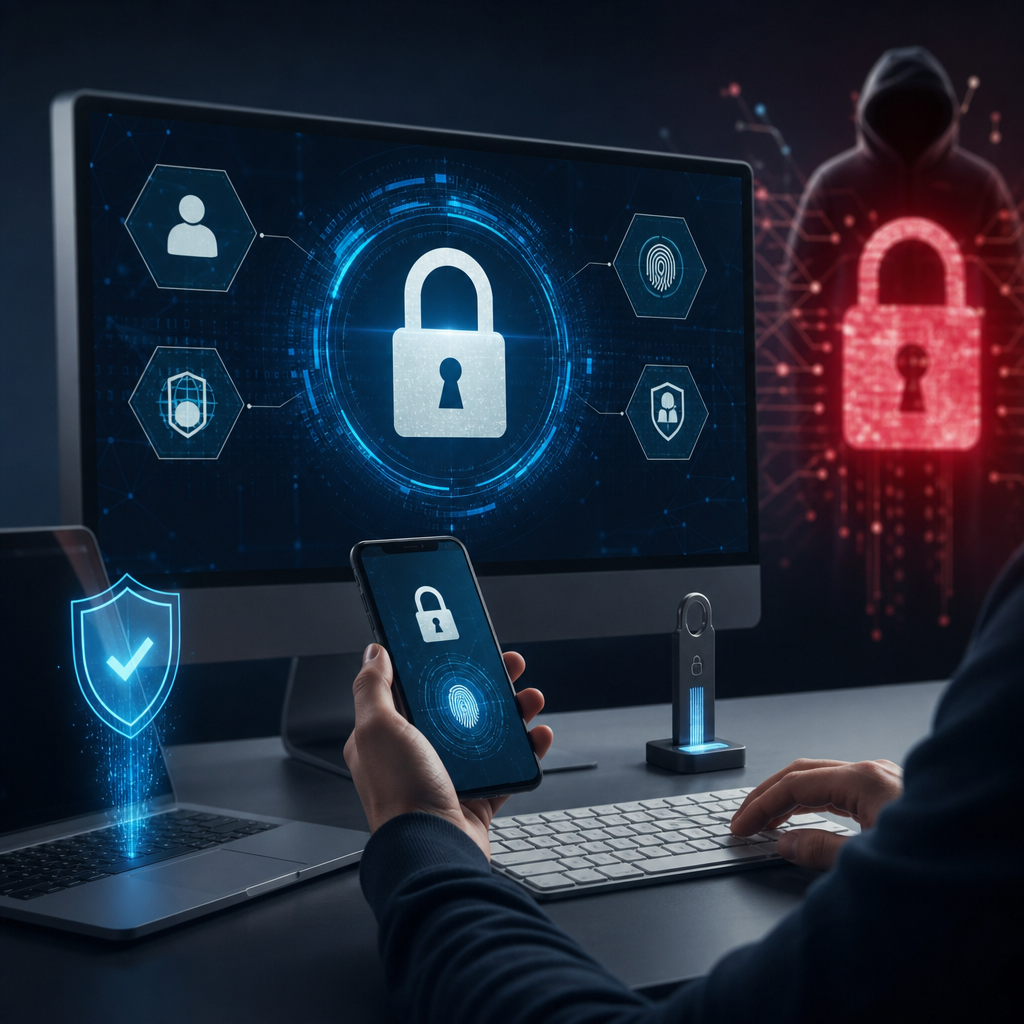
Cyber threats keep growing, and businesses need smarter defenses. One of the most effective steps is multi factor authentication. It improves account security while supporting better system performance through reduced breach recovery costs and fewer access-related disruptions. When paired with strong policies, it creates a more reliable environment and stronger ransomware protection for teams of every size. For broader guidance on business technology strategy, explore the United IT Service blog.
Why Multi Factor Authentication Matters More Than Ever
Passwords alone are no longer enough. Attackers use phishing, credential stuffing, and brute force methods to break into accounts every day. According to the Cybersecurity and Infrastructure Security Agency, extra verification layers greatly reduce unauthorized access.
Multi factor authentication requires users to prove identity with two or more factors, such as:
- Something they know, like a password
- Something they have, like an authenticator app
- Something they are, like a fingerprint
This added step blocks many common attacks before they spread across your network. That matters because one compromised login can lead to encryption events, data theft, downtime, and expensive remediation.
Key benefits include:
- Better account security across cloud and on-premise tools
- More reliable user verification
- Stronger ransomware protection against stolen credentials
- Lower risk of lateral movement after initial compromise
For organizations handling sensitive records, this control is especially important in sectors like medical IT environments where privacy and uptime matter daily.
How MFA Supports Performance Beyond Security
Many leaders view security as separate from speed. In reality, smart controls often improve operational performance by reducing avoidable incidents. A ransomware event can slow every department for days or weeks. Preventing that disruption protects productivity.
When you deploy multi factor authentication, you support smoother operations in several ways:
- Fewer password-related compromises
- Less time spent on incident cleanup
- Reduced help desk strain after account takeovers
- Better continuity for remote work access
- Stronger trust in shared systems and data
A secure environment is usually a more reliable environment. Teams work faster when systems stay available and files remain intact. The National Institute of Standards and Technology also emphasizes layered controls that improve resilience over time.
For companies balancing production deadlines with cybersecurity needs, manufacturing IT support can benefit from MFA by protecting critical systems without adding major friction.
The Link Between Stolen Credentials and Ransomware Attacks
Many ransomware campaigns start with valid logins rather than advanced exploits. Attackers buy usernames and passwords on dark web markets or steal them through phishing emails. Once inside, they escalate privileges, disable backups, move laterally, then launch encryption payloads.
That is why ransomware protection must begin at the identity layer. MFA helps stop attackers even when passwords are exposed. The Microsoft security guidance on MFA notes that enabling MFA blocks most automated account attacks.
Here is how it disrupts ransomware tactics:
- Prevents easy entry using stolen credentials
- Slows attacker progress during phishing attempts
- Protects administrator accounts from misuse
- Reduces unauthorized access to email platforms
- Limits exposure from password reuse across services
Without this layer, one weak password can become a company-wide crisis. With it, your organization gains a more reliable front line against modern threats.
Best Types of MFA for Security and User Experience
Not all MFA methods offer equal value. Some options create too much friction while others lack strong protection against sophisticated phishing attacks. Choosing the right mix supports both user adoption and long-term performance.
Common options include:
Authenticator Apps
Authenticator apps generate time-based codes or push approvals on mobile devices. They are widely used because they balance convenience with solid security.
Benefits include:
- Easy rollout for most employees
- Lower cost than hardware tokens
- Better usability than SMS in many cases
Learn more about secure sign-in practices from Google Account Help.
Hardware Security Keys
Physical keys provide excellent defense against phishing-based login theft. They work well for administrators or high-risk users who need very strong assurance levels.
Best uses include:
- Privileged accounts
- Finance teams
- Executive leadership
Organizations in regulated fields such as financial accounting firms often benefit from stronger identity controls around sensitive data access.
Biometrics
Fingerprint or facial recognition adds convenience when supported by trusted devices.
It works best as part of a broader identity strategy rather than a standalone solution.
Avoid relying only on SMS when possible.
SIM swapping risks make it less secure than app-based or hardware-based methods.
The Federal Trade Commission offers practical advice on safer second factors.
Where to Apply Multi Factor Authentication First
Rolling out everywhere at once can be difficult.
Start with systems that create the highest risk if compromised.
This phased approach improves adoption while delivering fast gains in ransomware protection.
Prioritize these areas first:
- Email accounts
- Remote desktop access
- Virtual private networks
- Cloud file storage
- Administrative dashboards
- Backup management portals
- Financial software
Email deserves special attention because inboxes often reset other passwords.
If attackers control email first,
they may unlock many connected services quickly.
Guidance from the Center for Internet Security supports prioritizing critical assets early in any cyber program.
Industry-specific environments may also require targeted planning.
For example,
legal industry IT support often centers around document confidentiality,
while retail teams focus heavily on point-of-sale access needs within retail hospitality operations.
Implementation Tips That Keep Systems Reliable
Security tools fail when deployment ignores people,
processes,
and recovery paths.
To keep systems reliable
and maintain good user experience,
build your rollout carefully from day one.
Use these best practices:
- Create clear enrollment instructions
- Require MFA for admins before general users
- Set backup verification methods securely
- Train staff to recognize push fatigue scams
- Review conditional access rules regularly
- Test sign-ins across devices before full launch
Also consider these operational safeguards:
- Document emergency lockout procedures
- Protect service accounts separately
- Monitor failed login patterns daily
- Integrate single sign-on where possible
Single sign-on plus MFA can improve both convenience and control.
Users manage fewer passwords,
which reduces risky behavior like reuse or sticky note storage.
The Okta guide to adaptive authentication explains how context-aware policies reduce friction further.
If an attack still slips through,
fast response matters just as much as prevention.
Businesses facing urgent issues should know where to find emergency IT support services before downtime escalates.
Common Mistakes That Weaken Ransomware Protection
Some companies enable MFA but leave major gaps behind.
Attackers look for those weak links first.
A partial rollout gives false confidence without full coverage needed for real ransomware protection.
Watch out for these mistakes:
- Excluding privileged accounts from enforcement
- Allowing legacy protocols without modern controls
- Using weak fallback questions for recovery
- Ignoring third-party application integrations
- Failing to remove former employee devices
Another common issue is poor communication.
If employees do not understand why changes matter,
they may resist enrollment or approve suspicious prompts.
Training should explain how multi factor authentication protects both business data and personal identities.
The SANS Institute security awareness resources offer useful education ideas.
Strong policy design keeps protections effective over time.
Review exceptions often,
especially after mergers,
staff changes,
or new software deployments.
Measuring Success After Deployment
You cannot improve what you do not measure.
After implementing multi factor authentication,
track results that show both security impact
and operational performance.
Useful metrics include:
- Mfa enrollment rate
- Percentage of protected critical applications
- Blocked suspicious login attempts
- Password reset volume over time
- Help desk tickets related to access issues
- Downtime avoided after attempted compromise
These indicators reveal whether your setup remains reliable
and whether users need additional training.
They also help justify investment decisions with clear outcomes.
The NIST Cybersecurity Framework resources provide helpful structure for measuring maturity.
Review findings quarterly.
Then refine policies based on threat trends,
new tools,
and workforce changes.
Final Thoughts
Multi factor authentication is one of the simplest ways to raise security quickly.
It strengthens ransomware protection,
improves operational performance,
and creates a more reliable foundation for daily work.
Businesses that act early reduce risk before attackers find an opening.
Make MFA part of a layered strategy now,
and you will protect productivity along with critical data assets.
Leave a Reply
You must be logged in to post a comment.