
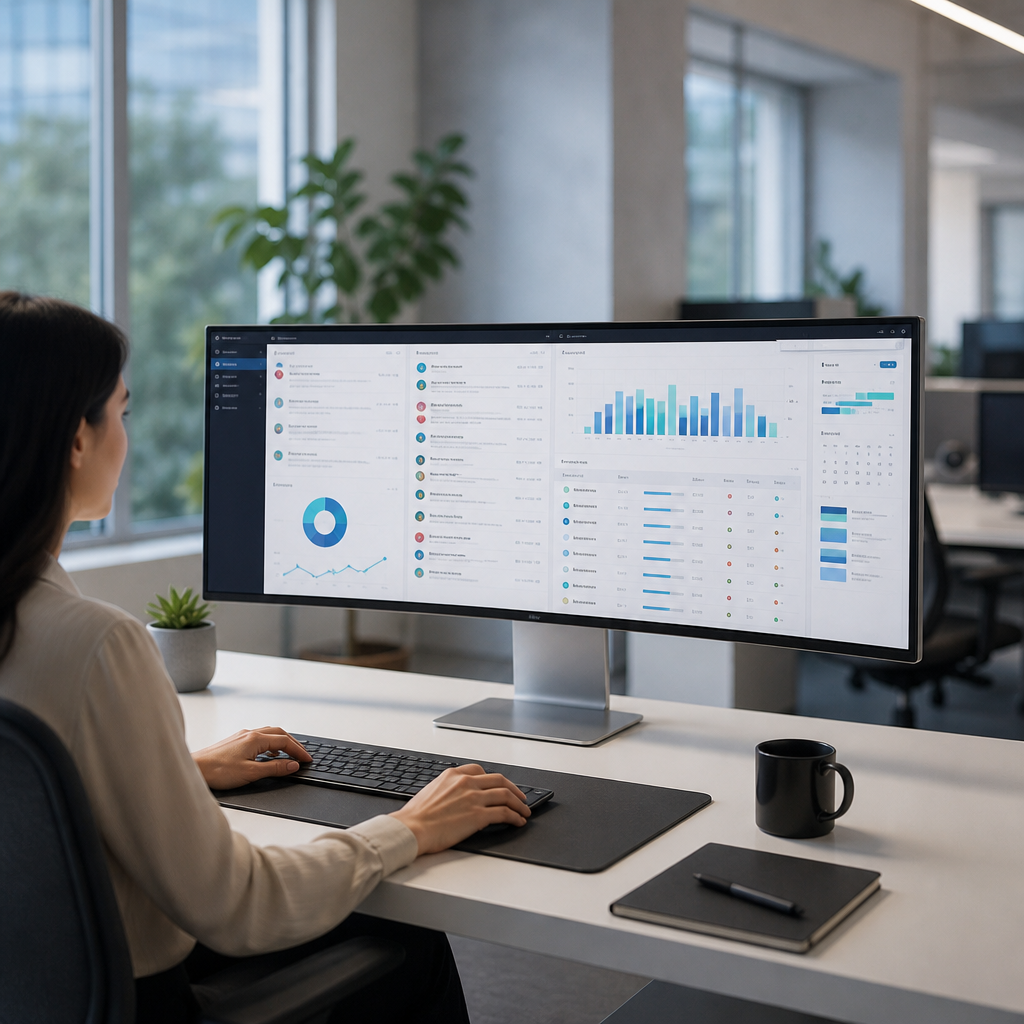
Workplace technology should help employees complete work without unnecessary friction. Yet many portals, dashboards, and internal applications overwhelm users with stretched layouts. A thoughtful max width design keeps content readable, organized, and easier to navigate. By limiting how wide information can appear, businesses can create digital tools that support focus, accuracy, and productivity across every device.
What Max-Width Design Means for Workplace Technology
Max-width design sets a maximum horizontal space for a page or application interface. Content stops expanding after reaching that defined limit. This approach prevents text, forms, reports, and controls from spreading across very large monitors.
The goal is not to make technology feel smaller. Instead, it creates a comfortable reading and working area. The MDN guide to max-width explains how this principle controls an element’s maximum horizontal size.
For employees, a controlled layout reduces visual strain. It also makes important actions easier to find.
A practical max width strategy often includes:
- Centered content areas on wide desktop screens.
- Flexible layouts for laptops, tablets, and mobile devices.
- Reasonable line lengths for instructions and documentation.
- Consistent spacing around forms, menus, and dashboards.
- Clear visual separation between related workplace tools.
When technology feels predictable, employees spend less time searching for information. They can focus on serving customers, managing projects, or completing routine tasks.
Why Wide Screens Can Create Usability Problems
Large monitors are common in modern workplaces. However, unlimited page width can create difficult user experiences. Long lines of text are harder to scan. Distant buttons can slow navigation. Large blank spaces can also make interfaces feel disconnected.
Employees may need to move their eyes across an entire screen to compare details. This adds cognitive effort during busy workdays. A well-planned max width keeps related information closer together.
The Nielsen Norman Group research on line length shows that readable text widths support faster comprehension. This matters when employees read policies, customer records, support tickets, or security alerts.
Poorly managed wide layouts can cause:
- Slower form completion and data entry.
- More missed details in tables and reports.
- Increased scrolling across dense dashboards.
- Difficulty comparing information side by side.
- Higher frustration for employees using large displays.
Max-width design creates a more natural viewing path. It helps employees process information in manageable sections.
Max Width Improves Focus and Daily Productivity
Modern technology often includes chat systems, customer platforms, project tools, and financial dashboards. Each system competes for employee attention. Max-width design reduces unnecessary visual noise within those tools.
A focused layout guides employees toward the next important step. For example, a help desk portal can place ticket details beside the correct response controls. A payroll system can group employee information with approval actions. These small improvements reduce repeated clicks and errors.
The Web Content Accessibility Guidelines also support adaptable layouts that remain usable across different display sizes. Accessibility benefits everyone, not only employees with disabilities.
Teams can improve workplace technology by prioritizing:
- Shorter text lines for policies and knowledge articles.
- Visible primary actions near related information.
- Grouped controls for approvals, updates, and submissions.
- Clear headings that divide long pages into useful sections.
- Adequate white space around important alerts.
Effective layouts make work feel less complicated. Employees can complete tasks with greater confidence and fewer interruptions.
Supporting Employees Across Devices and Locations
Employees no longer work only from office desktops. Many use laptops, tablets, mobile phones, and home monitors. Max width design helps technology adapt without losing structure or clarity.
On a large display, a centered content container prevents awkward text stretching. On a smaller screen, the same content can expand to use available space. This responsive behavior supports employees wherever they work.
The web.dev responsive design guidance explains how layouts can adjust across screen sizes. Responsive planning is essential for remote teams and mobile workers.
A strong responsive max width approach should provide:
- Easy reading on standard office monitors.
- Comfortable forms on smaller laptop screens.
- Mobile-friendly menus and buttons.
- Tables that remain understandable on narrow displays.
- Consistent navigation across every approved device.
Reliable access also requires dependable business networks. Businesses can explore expert network support for New Philadelphia organizations when performance issues affect employee technology.
Using Max Width for Internal Portals and Dashboards
Internal portals are often packed with announcements, reports, links, and application shortcuts. Without limits, these pages can become difficult to scan. Max-width design gives each content area a clear boundary.
For example, an employee intranet can use a centered max width for news, HR resources, and training materials. A dashboard can keep key metrics within a defined visual area. Secondary information can appear below or beside the main workspace.
This structure improves decision-making because employees can identify priorities quickly. It also helps designers maintain consistency as new technology features are added.
Consider these layout choices for workplace tools:
- Use a readable max width for articles and policy pages.
- Limit dashboard cards to a manageable number per row.
- Keep search tools near the top of the content area.
- Place urgent notices in a dedicated, visible panel.
- Avoid placing critical buttons at opposite screen edges.
Security portals also benefit from this structure. Clear layouts help employees recognize legitimate prompts and complete safe login steps. Learn more about multi-factor authentication and endpoint protection for stronger business performance.
Max Width Design Can Strengthen Security Habits
Usability and cybersecurity work together. Employees are more likely to follow security procedures when technology presents them clearly. Confusing layouts can cause rushed approvals, missed warnings, and incorrect data sharing.
A focused max width can make login instructions easier to read. It can also highlight password guidance, phishing alerts, and backup reminders. Security messages should appear near the action employees need to take.
For example, a training portal can use a narrow reading column for lessons. It can place quizzes and acknowledgment buttons directly below each topic. This reduces the risk of employees skipping important details.
Useful security-focused design practices include:
- Keep authentication prompts simple and visually distinct.
- Show one critical security action at a time.
- Use readable summaries before detailed policy content.
- Avoid clutter near approval and download buttons.
- Test alerts on large and small workplace screens.
Design cannot replace employee education. However, it can make security training easier to understand and apply. Cybersecurity awareness training for modern systems helps teams build stronger daily habits.
How to Implement Max Width Design Successfully
Successful implementation begins with employee needs, not visual trends. Review the tools that employees use most often. Look for pages with long text lines, scattered controls, or difficult navigation.
Next, test a proposed max width with real users. Include employees from different departments and device types. Their feedback can reveal problems that technical teams may overlook.
Follow this practical implementation process:
- Audit internal technology pages and identify high-friction screens.
- Select a flexible max width based on content and user devices.
- Test text, forms, tables, and navigation at different resolutions.
- Set consistent spacing rules for future technology updates.
- Gather employee feedback after each major improvement.
- Review performance and accessibility before full deployment.
Technology teams should also document design standards. Clear standards help future updates remain consistent. The U.S. Web Design System offers useful guidance for accessible, user-centered digital experiences.
Final Thoughts
Max width design makes workplace technology easier to use by improving readability, focus, and navigation. Employees can complete important tasks faster when content remains organized across every screen size.
Businesses should treat layout decisions as productivity and security decisions. A well-designed interface helps employees use technology confidently, accurately, and efficiently.
Leave a Reply
You must be logged in to post a comment.