
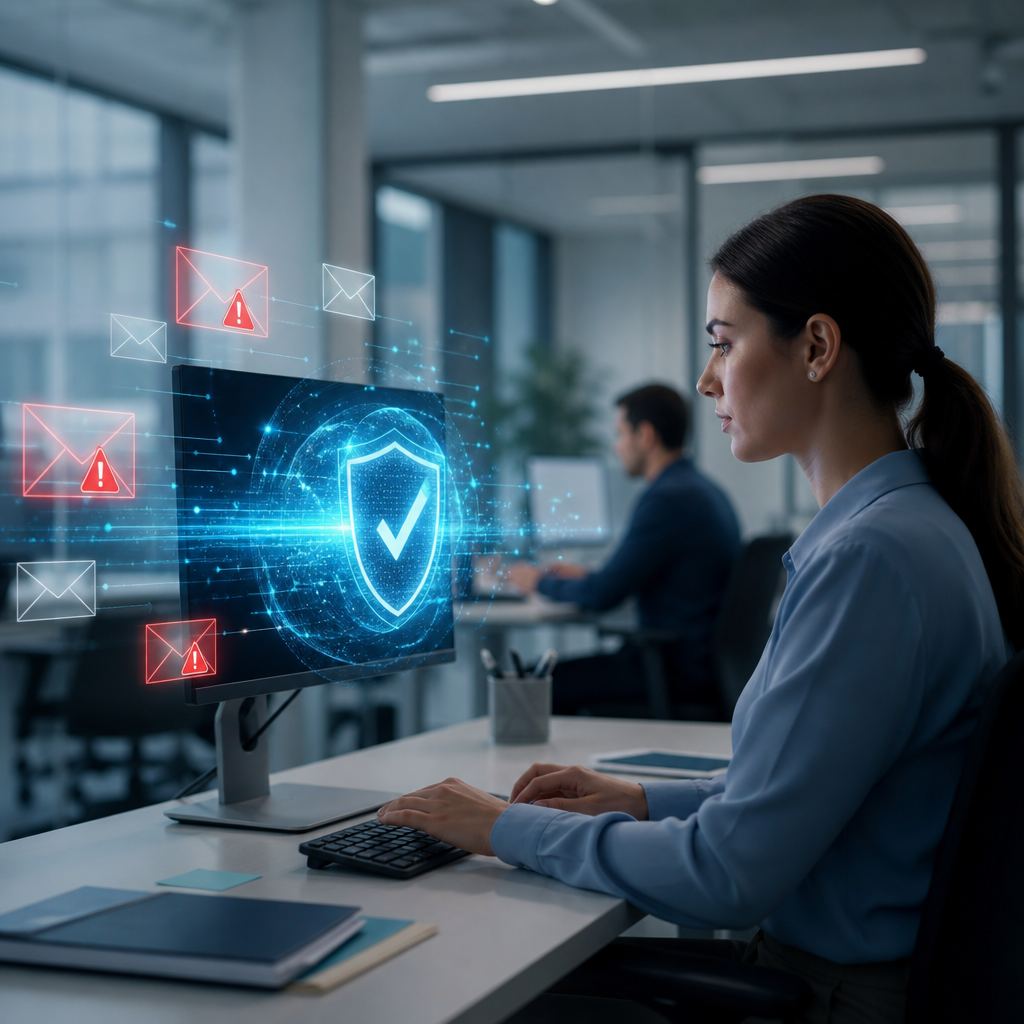
Phishing attacks target people, not only systems. Criminals use deceptive emails, text messages, websites, and attachments to steal credentials. Reliable technology helps employees identify threats before damage occurs. It also reduces the consequences of unavoidable human mistakes. The CISA phishing guidance explains why every organization needs layered defenses.
Why Phishing Remains a Serious Business Risk
Phishing messages often appear urgent, familiar, and legitimate. Attackers may impersonate executives, vendors, banks, or technology providers. Employees can accidentally share passwords or approve fraudulent payments.
Modern phishing campaigns also use stolen branding and artificial intelligence. These tactics make messages harder to recognize. Reliable technology gives employees additional signals before they click.
Common phishing goals include:
- Stealing employee usernames and passwords
- Capturing multi-factor authentication approval codes
- Installing ransomware through malicious attachments
- Redirecting payments to criminal bank accounts
- Collecting customer information and sensitive files
- Taking control of cloud email accounts
The Federal Trade Commission phishing resources show how quickly fraudulent messages can evolve. Businesses need security tools that adapt alongside those changes.
Reliable Email Security Stops Dangerous Messages Early
Email filtering is one of the strongest technology defenses against phishing. A reliable email security platform scans incoming and outgoing messages. It checks senders, links, attachments, and message patterns.
Advanced filters can block known malicious domains before employees see them. They can also quarantine suspicious messages for security review. This reduces pressure on employees during busy workdays.
Effective email protection should include:
- Spam filtering for unwanted and suspicious messages
- Link scanning that checks websites before users open them
- Attachment sandboxing for unknown files
- Sender verification through SPF, DKIM, and DMARC
- Impersonation detection for executive and vendor fraud
- Warning banners for messages from external senders
DMARC helps organizations control unauthorized use of their domain. The DMARC.org overview explains how email authentication protects domain reputation. These controls also help employees trust legitimate internal messages.
Reliable email security does not replace employee judgment. Instead, it gives employees useful warnings at the right moment. That extra context can prevent a costly decision.
Multi-Factor Authentication Limits Stolen Credential Damage
Phishing attackers frequently seek login credentials. A stolen password can expose email, cloud storage, accounting platforms, and customer data. Reliable multi-factor authentication makes that password less useful to criminals.
Multi-factor authentication requires another verification factor. That factor may include an authenticator application, security key, or biometric check. Security keys offer strong protection against fake login pages.
Businesses should prioritize these authentication measures:
- Require multi-factor authentication for all email accounts
- Use phishing-resistant security keys for privileged users
- Block legacy authentication protocols when possible
- Review sign-in attempts from unfamiliar locations
- Require stronger access controls for financial systems
- Remove unused employee accounts promptly
A password alone cannot provide dependable protection. Learn how multi-factor authentication and endpoint protection improve business performance across security, productivity, and compliance.
Identity protection tools can also detect impossible travel events. For example, a user cannot sign in from Ohio and Europe simultaneously. Automated alerts help technology teams investigate suspicious activity quickly.
Endpoint Protection Blocks Phishing Payloads
Some phishing attacks deliver malicious files instead of fake login pages. These files may contain ransomware, spyware, or remote access tools. Reliable endpoint protection detects and stops suspicious behavior on employee devices.
Endpoint tools monitor files, applications, scripts, and network connections. They can isolate compromised computers before threats move across the network. This containment protects coworkers and critical business systems.
Strong endpoint protection includes:
- Real-time malware scanning
- Behavioral detection for ransomware activity
- Automatic device isolation capabilities
- Application controls for untrusted software
- Browser protection against dangerous downloads
- Centralized security updates and patching
Attackers often exploit outdated software after gaining initial access. Regular patching closes common security gaps. The Cybersecurity and Infrastructure Security Agency provides helpful guidance on managing active cyber threats.
Organizations should also protect mobile devices. Employees often read work email from phones and tablets. Mobile security policies can reduce risk from unsafe links and unauthorized applications.
Security Awareness Training Helps Employees Make Better Decisions
Technology works best when employees understand phishing risks. Effective training teaches employees how to pause, inspect, and report suspicious messages. It should be practical, brief, and repeated throughout the year.
Employees need to recognize common warning signs. These signs include mismatched sender addresses, unexpected attachments, unusual payment requests, and urgent demands. Training should also explain safe verification methods.
Useful employee phishing habits include:
- Check the complete sender address carefully
- Hover over links before opening them
- Verify payment changes through trusted phone numbers
- Report suspicious emails using a simple process
- Avoid entering passwords after unsolicited requests
- Question urgent requests that bypass normal procedures
Cybersecurity awareness training for modern systems helps teams connect everyday behavior with real business protection. Employees become a stronger security layer when they know what actions matter.
Simulated phishing exercises can improve recognition without shaming employees. Use results to identify training needs. Celebrate reporting activity and reinforce positive security habits.
Reliable Reporting Tools Speed Up Incident Response
Employees need an easy way to report suspicious messages. A complicated reporting process discourages action. Reliable technology can add a report button directly inside the email platform.
Reported messages should reach the correct security team immediately. Automated workflows can remove identical phishing emails from other inboxes. This fast response prevents a single campaign from spreading.
A strong reporting process should provide:
- A visible phishing report button in email
- Automatic ticket creation for investigations
- Fast communication with affected employees
- Message removal from other mailboxes
- Alerts for suspicious account activity
- Clear incident response ownership
The NIST incident response guidance supports structured planning for cyber events. Defined responsibilities improve response speed during a phishing incident.
Employees should know that reporting mistakes is encouraged. Quick reporting can protect the entire organization. Silence gives attackers more time to escalate access.
Backups and Ransomware Controls Reduce Business Disruption
Some phishing attacks succeed despite strong preparation. A malicious attachment may trigger ransomware or data theft. Reliable backups provide an essential recovery option after a serious compromise.
Backups should remain separate from everyday systems. Attackers often attempt to encrypt or delete recovery files. Immutable backups and tested restoration procedures improve resilience.
A practical recovery strategy should include:
- Automated backups for critical business data
- Offsite or cloud-based backup storage
- Immutable copies that attackers cannot alter
- Regular recovery testing
- Documented restoration priorities
- Restricted backup administrator access
Smart data backup solutions for modern businesses can help leaders build a recovery plan around their operational needs. Backups cannot stop phishing, but they can reduce downtime dramatically.
Organizations should also deploy ransomware detection systems. These tools can identify encryption behavior and isolate affected devices. Proactive systems that stop ransomware before it spreads explain why early containment matters.
Build a Layered Phishing Prevention Strategy
No single technology can eliminate phishing risk. Reliable protection combines email security, authentication, endpoint controls, training, reporting, and recovery planning. Each layer supports employees when another layer fails.
Security leaders should evaluate tools based on business requirements. The best solution should be manageable, scalable, and easy for employees to use. Complex controls often create workarounds and new vulnerabilities.
Measure phishing prevention progress through these metrics:
- Reported phishing emails each month
- Click rates during simulations
- Multi-factor authentication adoption rates
- Blocked malicious email volumes
- Endpoint detection response times
- Backup restoration success rates
The NIST Cybersecurity Framework offers a useful model for organizing security improvements. Regular reviews help businesses adjust controls as threats evolve.
Final Thoughts
Reliable technology helps employees prevent phishing attacks by adding protection before, during, and after risky interactions. Email filtering, multi-factor authentication, endpoint security, training, and tested backups create a stronger defense together. Invest in practical tools and employee education to make phishing resistance part of everyday business operations.
Leave a Reply
You must be logged in to post a comment.