
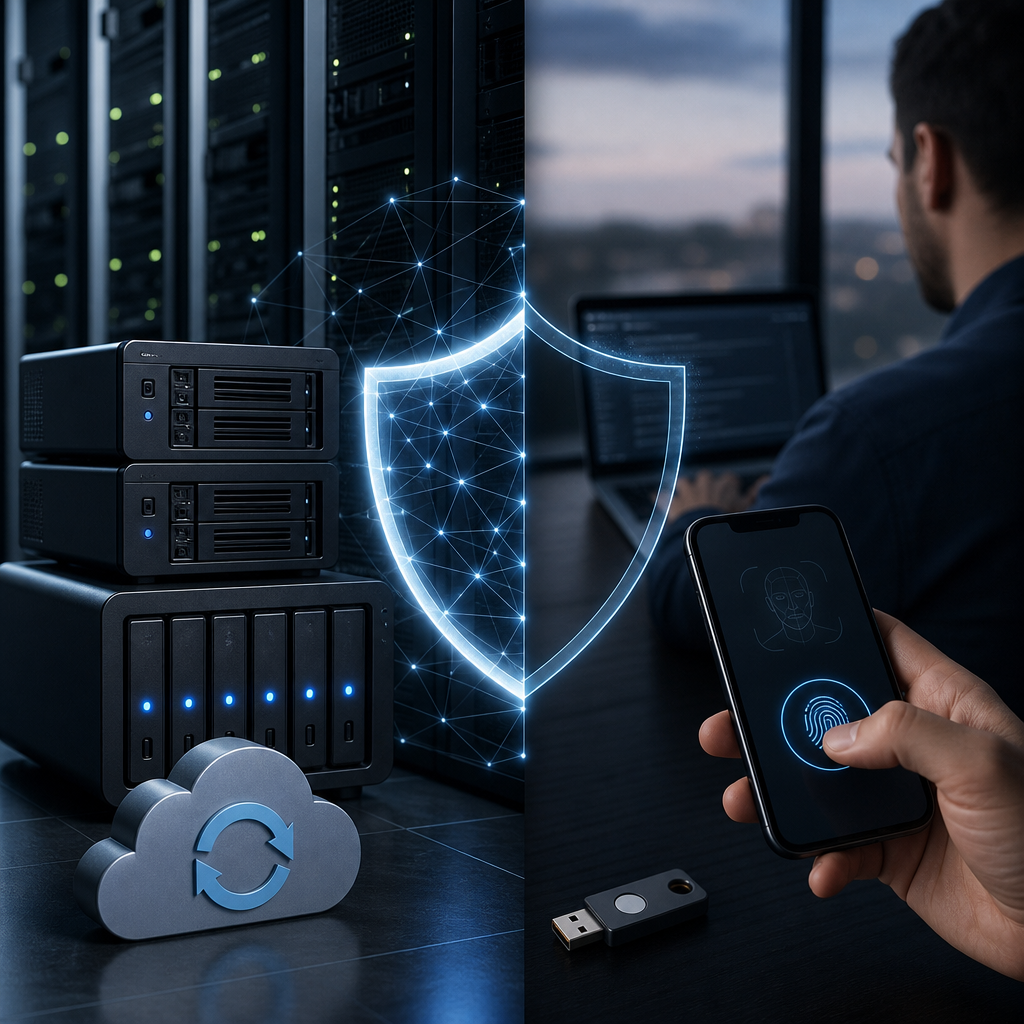
Modern operations depend on continuous access to data, applications, and communication tools. A single cyberattack can interrupt sales, service delivery, payroll, and customer support. Resilient backups and multifactor authentication help organizations prevent disruption and recover faster. Together, they create essential protection against ransomware, credential theft, human error, and system failures. Businesses can build stronger defenses with smart data backup solutions for modern businesses.
Modern Operations Face Constant Digital Risks
Every connected device creates another potential entry point for attackers. Remote work, cloud services, mobile devices, and third-party applications expand the attack surface. Organizations must protect sensitive information while maintaining efficient operations.
Cybercriminals often target credentials because passwords are easy to steal or reuse. Phishing emails, fake login pages, and social engineering attacks can expose employee accounts. Once attackers gain access, they may disable systems or encrypt critical data.
Reliable security planning should address both prevention and recovery. Prevention reduces the chance of an incident. Recovery ensures operations can continue after an incident occurs.
- Ransomware can encrypt shared files and business applications.
- Phishing attacks can capture passwords and financial information.
- Hardware failures can make important data unavailable.
- Employee mistakes can delete files or expose confidential records.
- Unpatched software can create exploitable security gaps.
Organizations should also invest in cybersecurity awareness training for modern systems. Well-trained employees recognize threats before they become expensive incidents.
Resilient Backups Keep Businesses Running
Backups are more than copied files stored on another device. A resilient backup strategy protects data across multiple locations and recovery options. It should support fast restoration after accidental deletion, ransomware, natural disasters, or hardware failure.
Modern operations need backups that are automated, monitored, encrypted, and regularly tested. Manual backup processes often fail because employees forget critical tasks. Automated systems reduce this risk and create consistent recovery points.
The widely accepted 3-2-1 approach remains valuable for many businesses. Keep three copies of important data. Store those copies on two different media types. Keep one copy offsite or isolated from the main network.
Strong backup environments commonly include:
- Local backups for fast recovery of frequently used data.
- Cloud backups for offsite storage and geographic protection.
- Immutable backups that attackers cannot easily modify or delete.
- Encrypted backups that protect sensitive information during storage.
- Recovery testing that confirms files and systems can be restored.
- Monitoring alerts that identify failed backup jobs quickly.
Businesses should define recovery time objectives for every essential system. A customer database may require rapid restoration. Archived files may allow a longer recovery window. This planning helps technology teams prioritize resources during an emergency.
For deeper guidance, review tech support strategies for better data backup solutions. The right backup design supports both security and operational continuity.
Multifactor Authentication Stops Credential-Based Attacks
Multifactor authentication requires users to verify their identity through more than one method. A password is one factor. A phone prompt, authenticator code, security key, or biometric scan provides another factor.
This additional verification makes stolen passwords far less useful to attackers. Even when criminals capture a password, they still need the second approval method. That barrier can stop many account takeover attempts.
Multi factor authentication is especially important for email, cloud platforms, financial systems, remote access tools, and administrator accounts. These services often contain valuable business data and powerful management controls.
Effective factor authentication may use:
- Something users know, such as a password or PIN.
- Something users have, such as an authenticator app or security key.
- Something users are, such as a fingerprint or facial scan.
- Location or device signals that identify unusual login behavior.
- Adaptive controls that require stronger verification for risky access.
Authenticator applications and hardware security keys often provide stronger protection than text messages. Text messages can be vulnerable to SIM swapping and interception. Organizations should consider phishing-resistant authentication methods for privileged users.
Learn more about multi-factor authentication and endpoint protection for business performance. Strong access controls help teams work securely without slowing daily operations.
Backups and Multi Factor Authentication Work Better Together
Backups and multi factor authentication protect different parts of the security lifecycle. Multifactor authentication helps stop unauthorized access before damage occurs. Backups help restore data when prevention controls fail.
This combined approach is vital because no single security tool blocks every threat. Attackers may exploit a software flaw, trick an employee, or compromise an unmanaged device. A layered strategy provides more reliable protection.
For example, multi factor authentication may prevent a hacker from accessing cloud storage. However, an employee could still accidentally delete critical documents. Resilient backups provide a recovery path for that situation.
Similarly, backups can restore systems after ransomware. Yet recovery becomes harder if attackers retain access to administrator accounts. Factor authentication can help block continued access during incident response.
A coordinated protection strategy should include:
- Multifactor authentication for every remote and cloud login.
- Separate administrator accounts with stricter access controls.
- Immutable backups that remain isolated from production systems.
- Endpoint protection that detects suspicious activity quickly.
- Network segmentation that limits attacker movement.
- Documented recovery procedures for critical operations.
- Regular testing of authentication and restoration workflows.
Businesses can explore how to strengthen security with MFA, endpoint protection, training, and backups. Integrated security controls improve resilience across the entire organization.
Build a Backup and Authentication Policy
Technology alone cannot create resilient operations. Organizations also need policies that define responsibilities, access rules, and recovery expectations. Clear policies help employees make safer decisions during normal work and stressful emergencies.
Start by identifying the data and systems that matter most. Consider customer records, accounting platforms, intellectual property, communication tools, and operational databases. Assign each asset a recovery priority based on business impact.
Next, review who has access to sensitive systems. Employees should receive only the access needed for their responsibilities. Former employees and inactive accounts should lose access immediately.
A strong policy should address:
- Backup frequency for critical files, databases, and applications.
- Backup retention periods based on legal and business needs.
- Encryption requirements for stored and transmitted data.
- Multi factor authentication requirements for all user accounts.
- Enhanced authentication for administrators and financial staff.
- Procedures for reporting suspicious login attempts.
- Testing schedules for backup restoration and incident response.
- Vendor access rules for managed services and support providers.
Leadership should review these policies regularly. Business priorities, regulations, and cyber threats can change quickly. Periodic reviews keep controls aligned with current operational needs.
Test Recovery Before an Emergency Happens
A backup is only valuable when it can restore the right data quickly. Many organizations discover backup problems during a real outage. Testing prevents that costly surprise.
Recovery testing should include more than restoring a single file. Teams should test full system recovery, application performance, user access, and communication procedures. These exercises reveal hidden dependencies between systems.
Authentication systems also require testing. Employees need clear instructions when they replace phones or lose security keys. Administrators need secure recovery methods that do not weaken account protection.
Regular tests can answer important questions:
- Can teams restore critical systems within the required timeframe?
- Are backup files complete, current, and free from corruption?
- Can administrators access emergency recovery accounts safely?
- Do employees understand multifactor authentication enrollment steps?
- Are emergency contacts available outside normal business hours?
- Can customers receive accurate updates during a service disruption?
Document every test result and improvement opportunity. Small adjustments after a practice exercise can prevent major losses later. Resilient operations depend on preparation, not assumptions.
Final Thoughts
Resilient backups and multifactor authentication are essential for protecting modern operations from disruption. Multifactor authentication reduces unauthorized access, while backups provide dependable recovery after damaging incidents. Businesses that combine both controls can protect data, maintain productivity, and respond confidently when threats arise.
Leave a Reply
You must be logged in to post a comment.